Setup
Pocket to first set. Seconds.
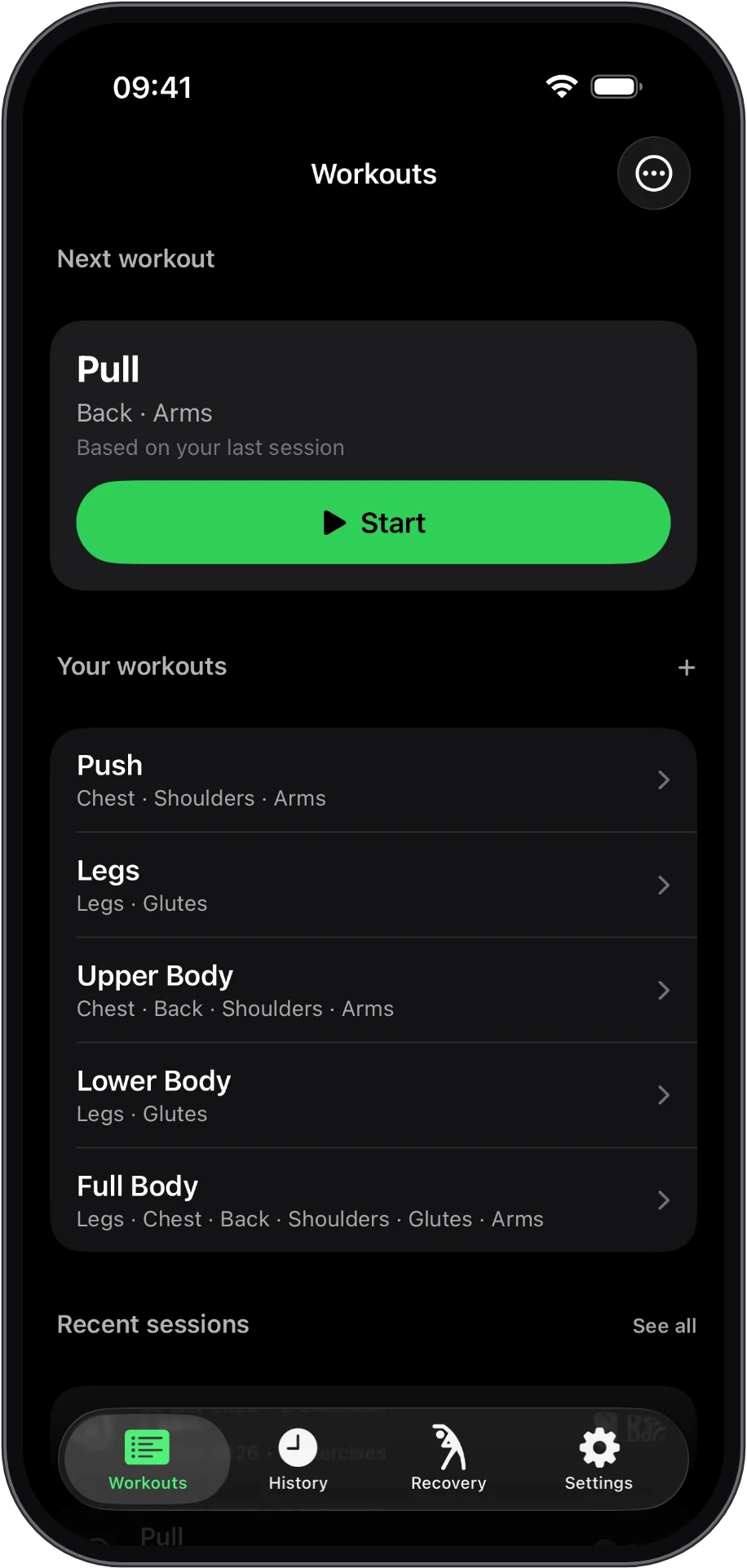
Pick your workout. Start instantly. Everything’s already set.
Smart weight memory
One-tap start
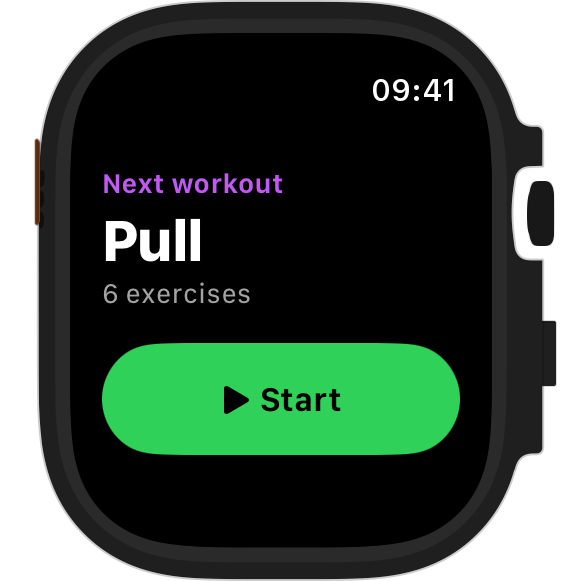
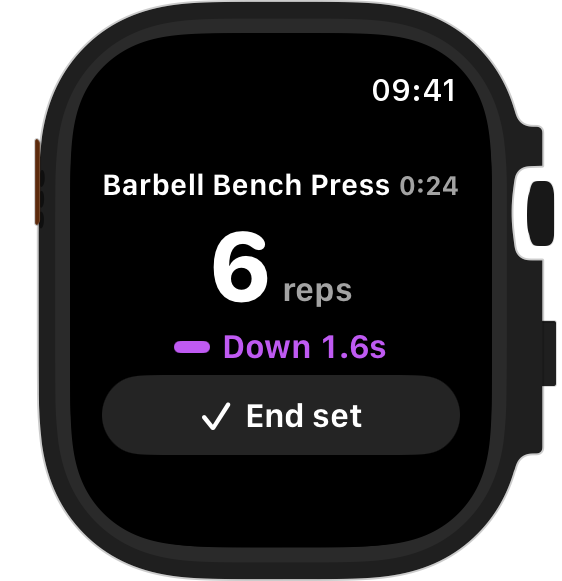
RepSense counts your reps and the tempo of each one on Apple Watch — or logs every set in one tap on iPhone alone.
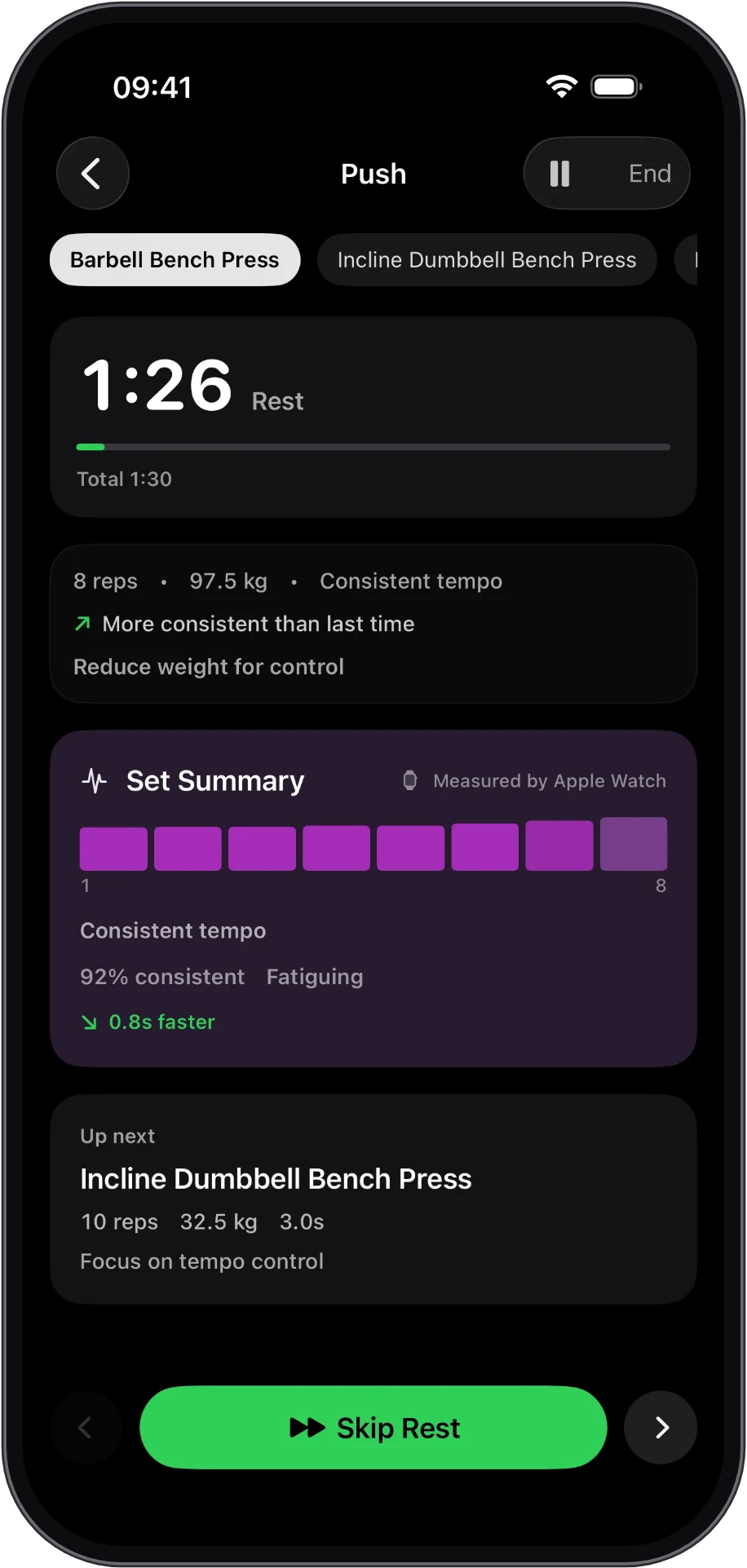
Most apps record what you did. RepSense measures how you did it — and shows you how to do it better. Track. Analyse. Recover. Improve.
Pick your workout. Start instantly. Everything’s already set.
Your watch measures every rep and tracks tempo as you lift.
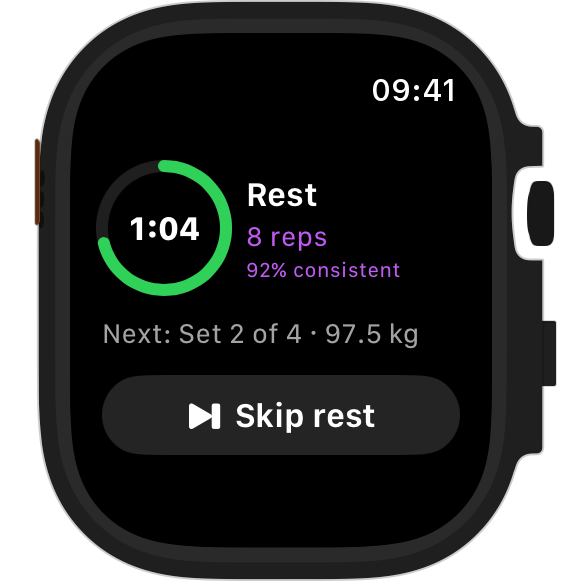
Every set gets a rep-by-rep breakdown: tempo balance, consistency, control.
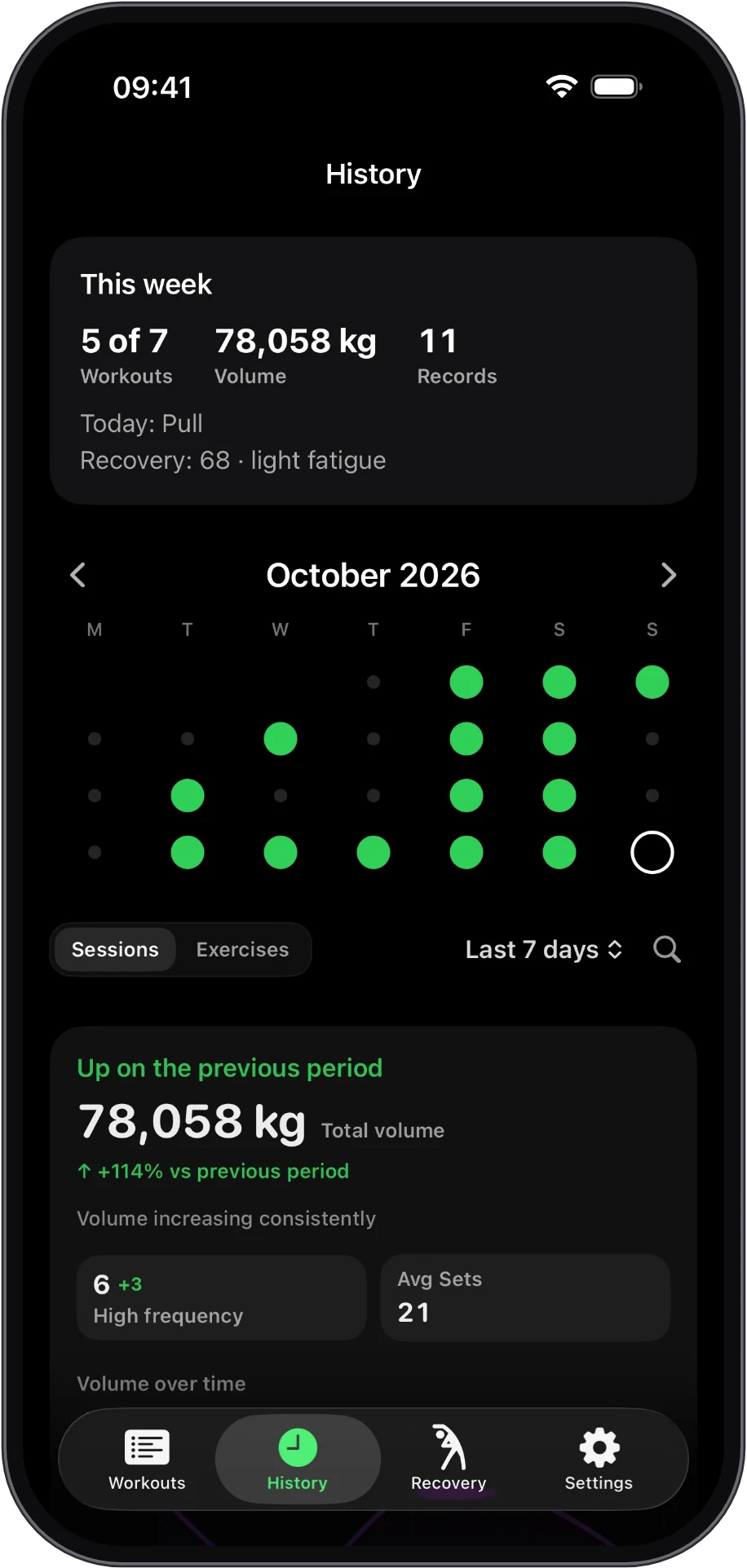
Consistency you can see. Momentum you can build. Each week, a review shows what moved, what stalled and what to change.
Smarter recovery means stronger sessions, faster.
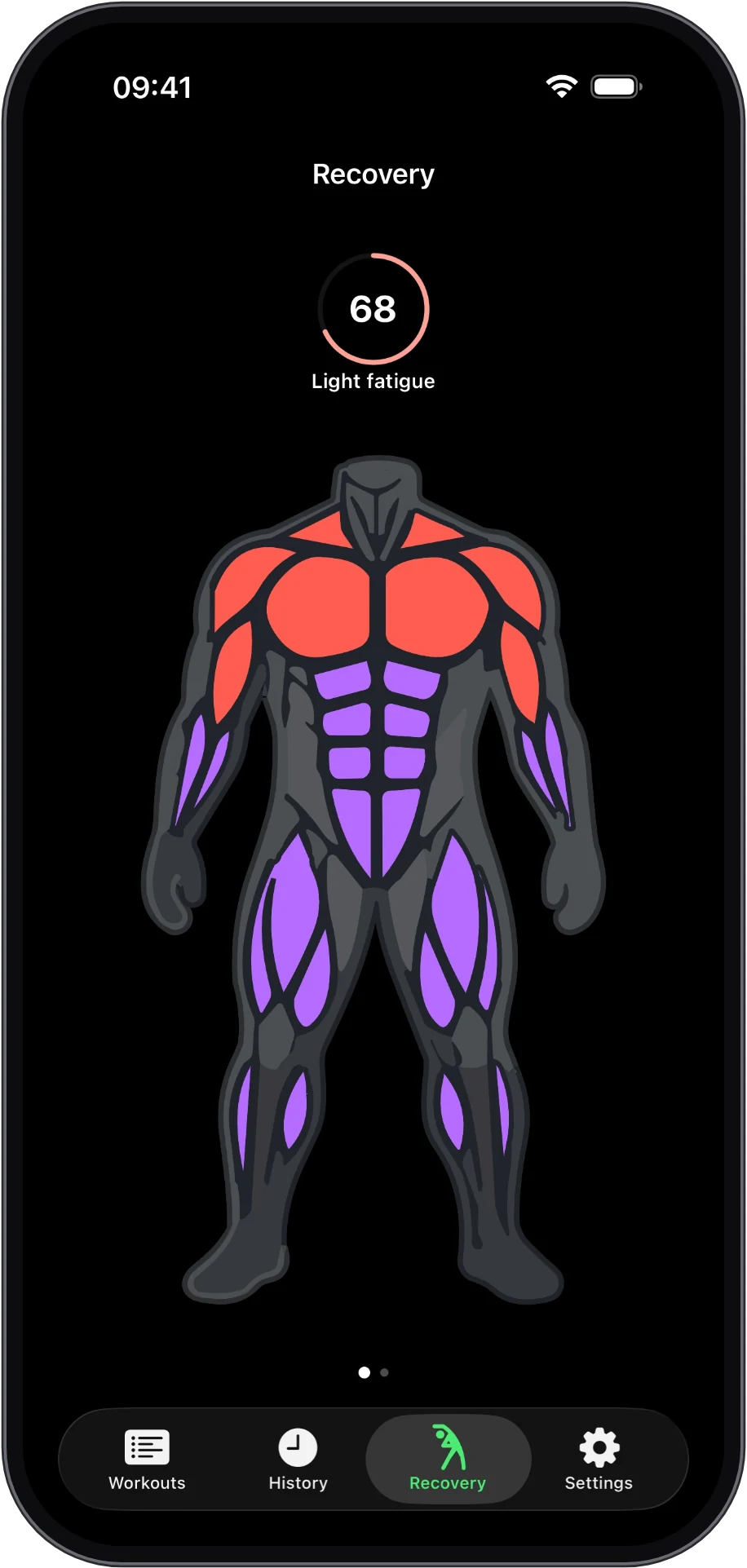
Answer a few questions and RepSense builds your workouts: the right split for your days, exercises for your equipment, and sets, reps and rest for your goal. At the gym or at home.
Goal, experience, days a week, session length, equipment, and anything to skip or go easy on. Skip any question you like.
Swap any exercise for one that fits, change days or session length, or build it again. Every workout stays fully editable.
Targets follow each exercise's rep range, and a weekly review suggests changes. Nothing changes until you say so.
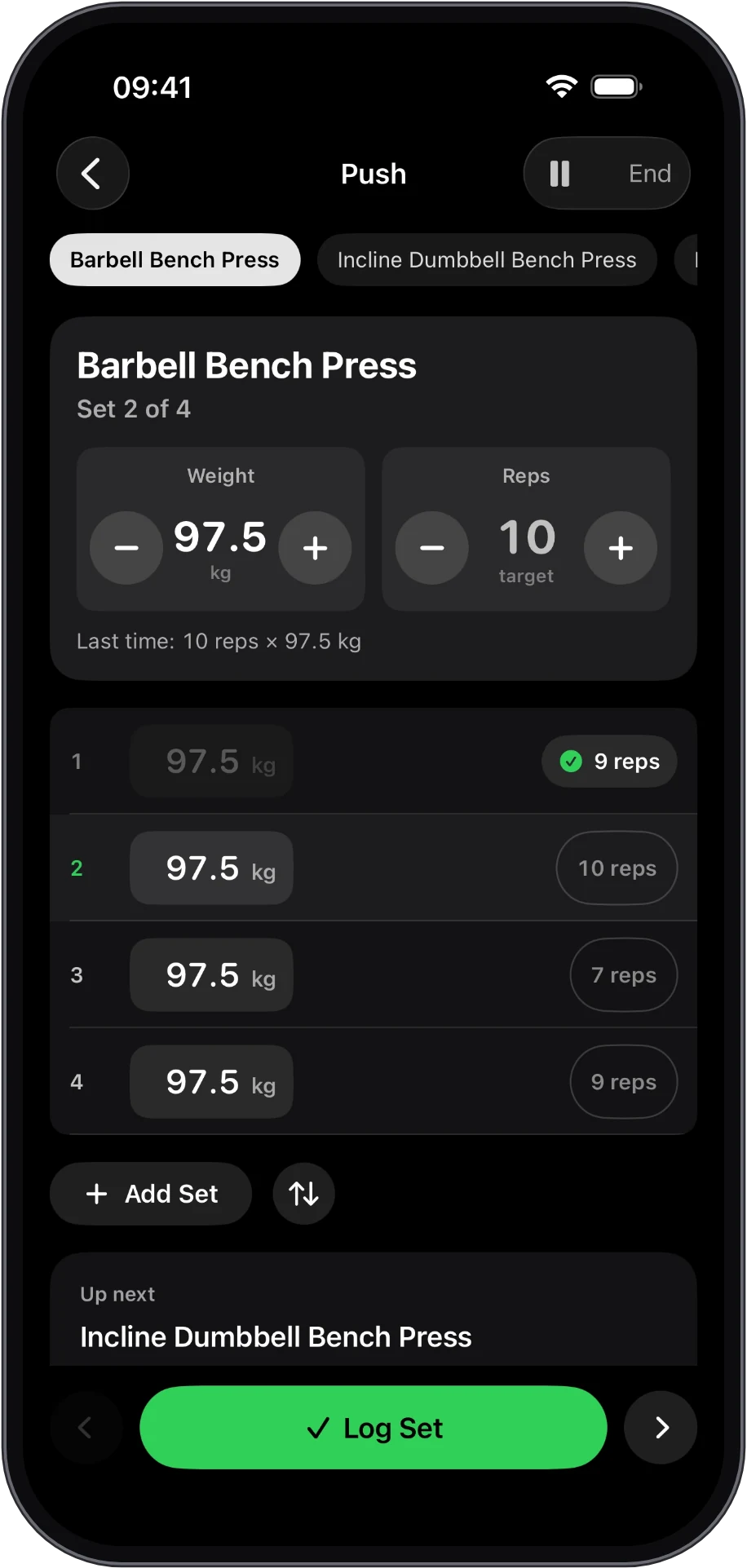
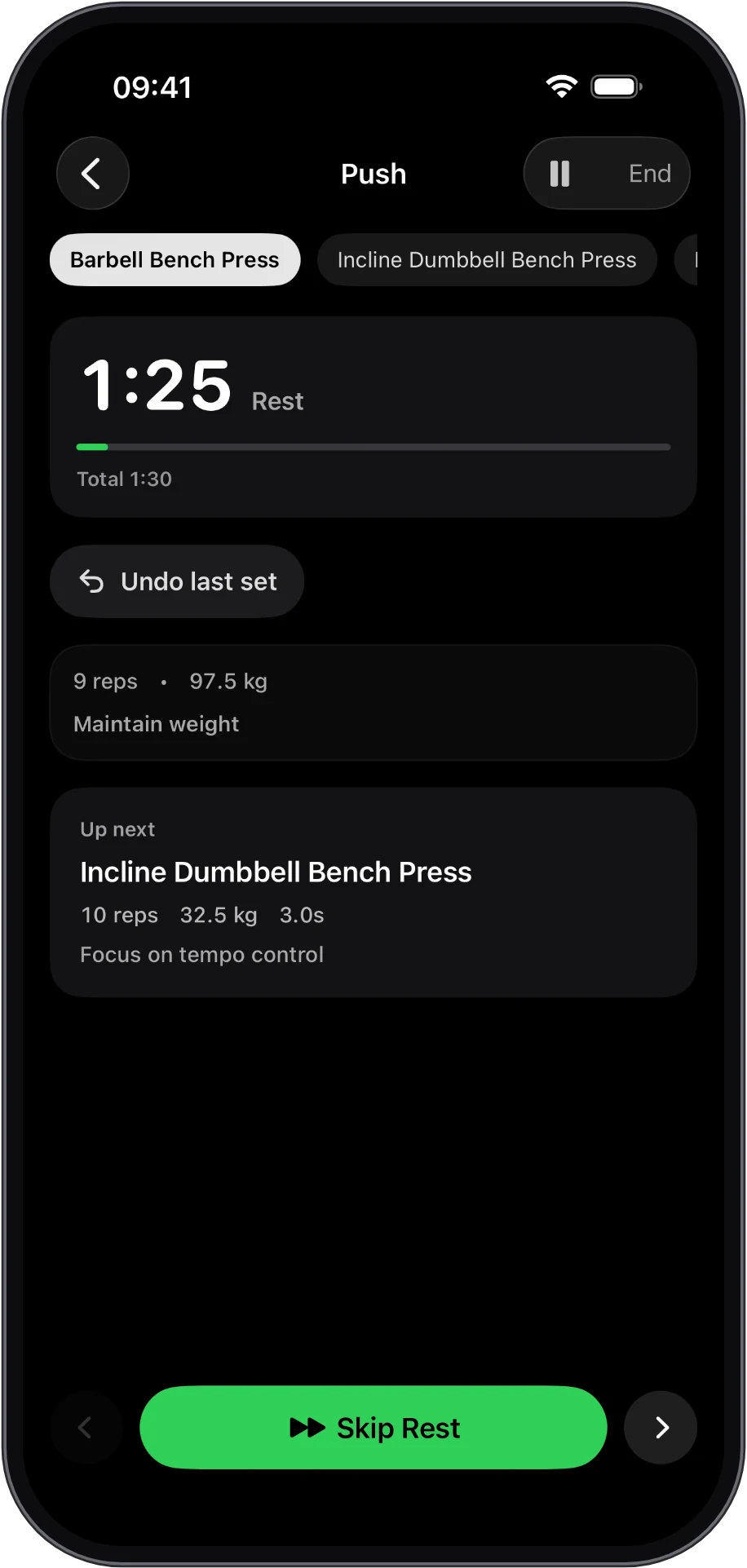
Everything works on iPhone alone. Log a set in one tap, rest on a timer that starts itself, and see the same progress, records and recovery as everyone else.
Weight and reps carry over from last time. Adjust with a thumb, then Log Set.
The timer starts when you log. Logged by mistake? Undo stays there for the whole rest.
Hit your reps on every set and RepSense suggests the next step: "Try 100 kg × 8".
Pair one later and reps are counted on your wrist automatically. Nothing to set up.
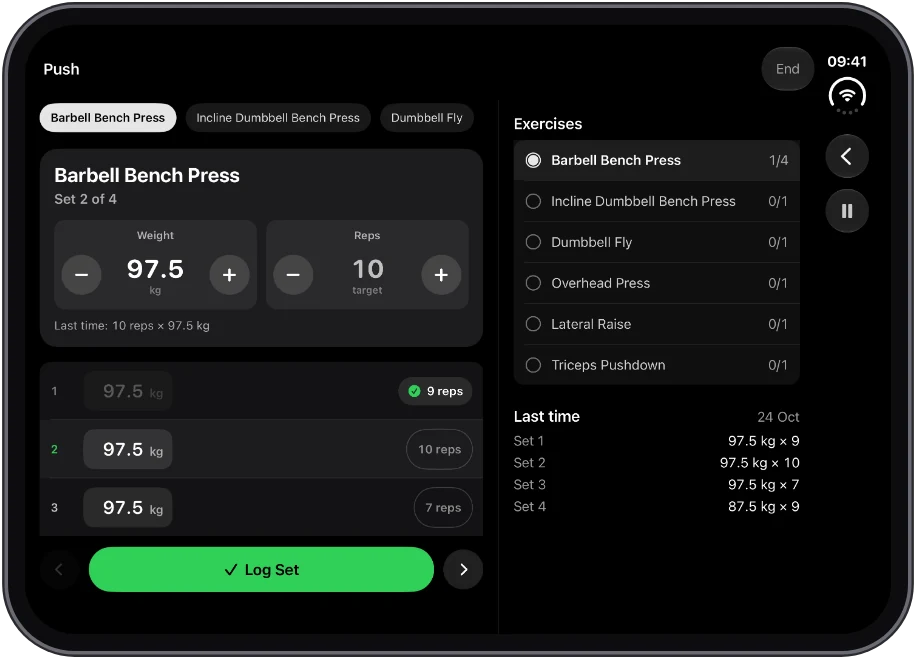
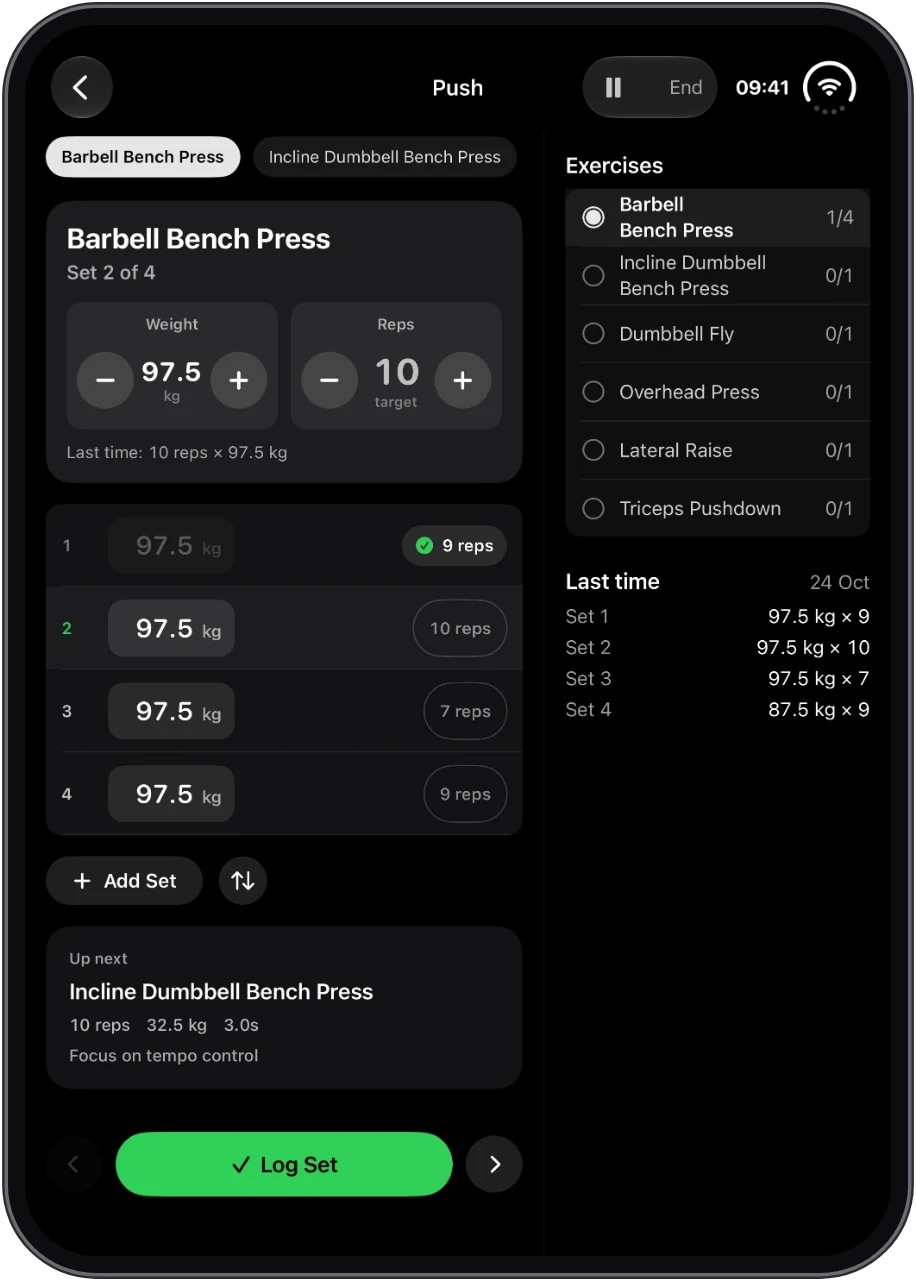
Unfold it and your set sits beside the whole session: every exercise with its progress, and exactly what you lifted last time.
Concentric, eccentric, and isometric phases — measured as they happen. Haptic feedback holds your tempo steady when the set gets hard.
Haptic cues during the rep — not a summary after the workout. Maintain control when it counts.
No tapping. No logging. Every rep detected automatically. You stay in the set.
Essential data mid-set. Nothing else. No menus, no distractions, no decisions to make.
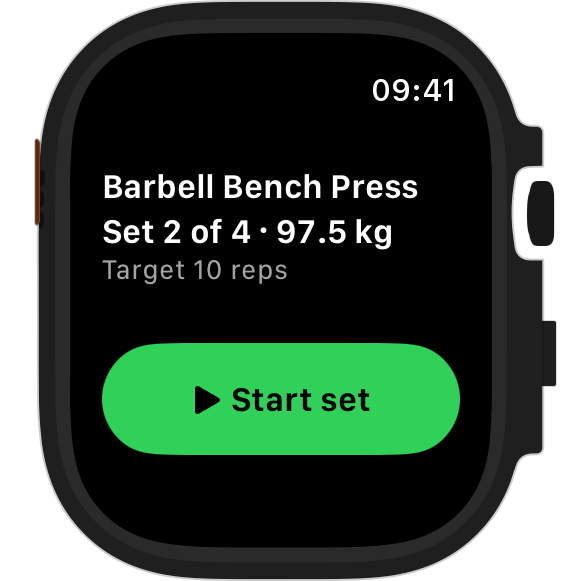
Pick a workout, build one, or let RepSense build a plan for you. Last session's weights are already set. Lifting in seconds.
Reps counted. Tempo measured. Haptics keep you on pace. You stay focused.
Performance data, recovery status, progression signals. Every session builds toward a better one.